I’m not sure exactly what triggered it, but iframe embeds had been working perfectly on my websites — until suddenly they weren’t. They only showed up in WordPress’s customization mode (the visual editor view), and disappeared when the site went live.
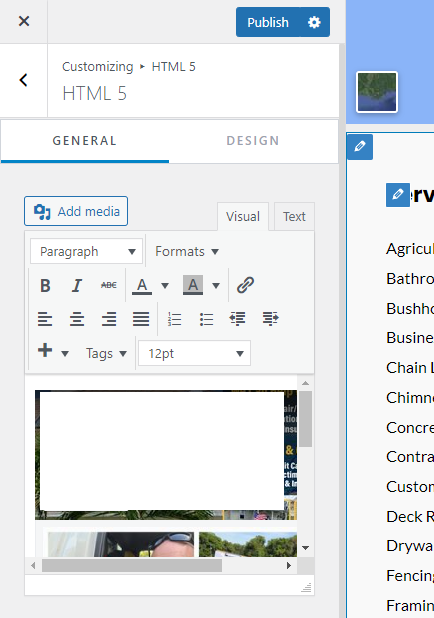
For more clarity on the issue, here’s another example I came across:
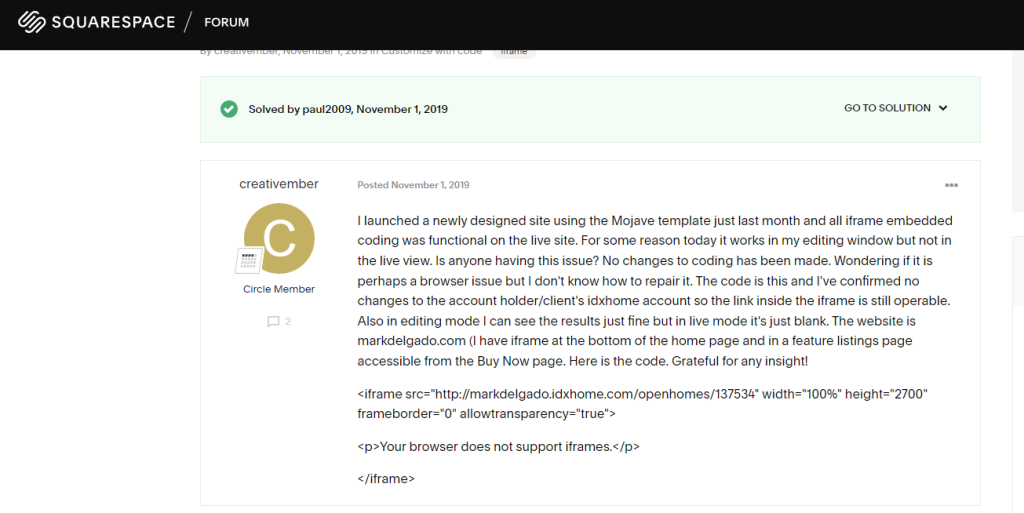
A Squarespace user posted this:
I launched a newly designed site using the Mojave template just last month and all iframe embedded coding was functional on the live site. For some reason today it works in my editing window but not in the live view. Is anyone having this issue? No changes to coding has been made. Wondering if it is perhaps a browser issue but I don’t know how to repair it. The code is this and I’ve confirmed no changes to the account holder/client’s idxhome account so the link inside the iframe is still operable. Also in editing mode I can see the results just fine but in live mode it’s just blank. The website is markdelgado.com (I have iframe at the bottom of the home page and in a feature listings page accessible from the Buy Now page. Here is the code. Grateful for any insight!
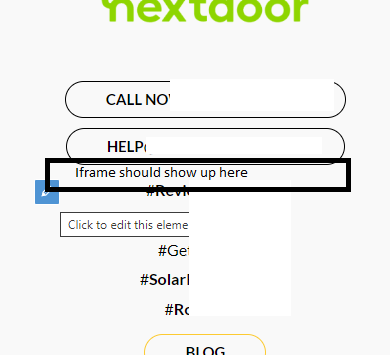
Exactly the same thing happened to me — once I saved my changes and closed the customizer, the iframe embeds simply wouldn’t render on the live site.
After some Googling, I found a solution: the iFrame plugin, available here — https://wordpress.org/plugins/iframe/
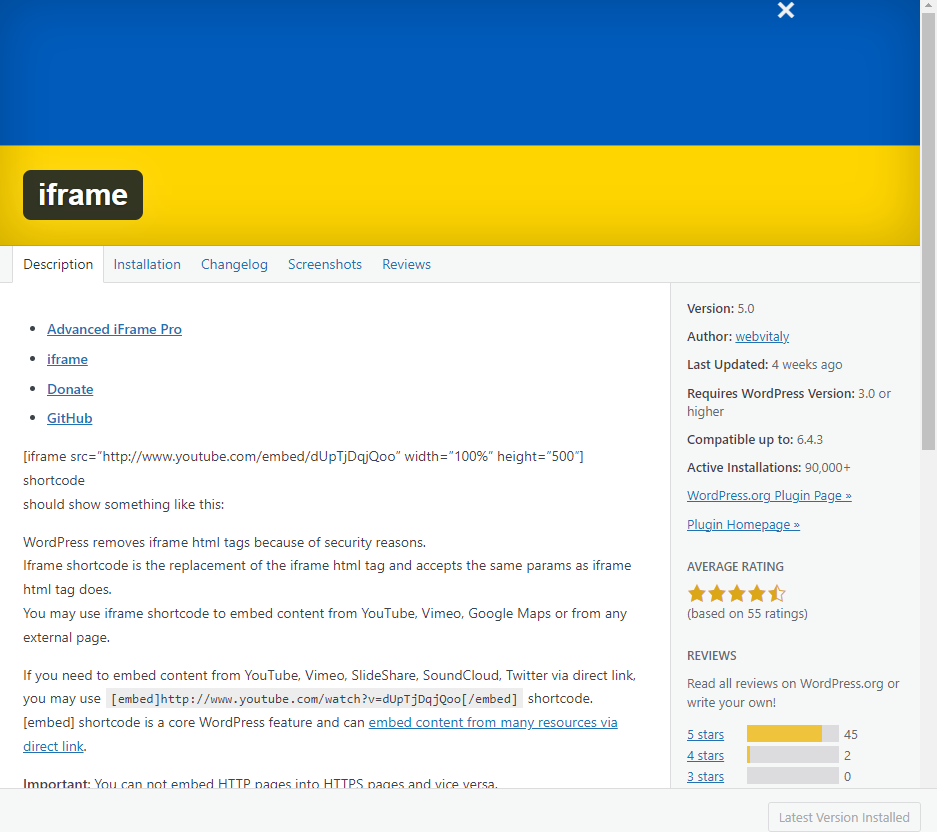
Once you’ve installed and enabled the plugin, all you have to do is reformat your iframe code slightly:
For example, if your iframe code looks like <iframe ...........................> </iframe>, simply change it to [iframe ...........................].
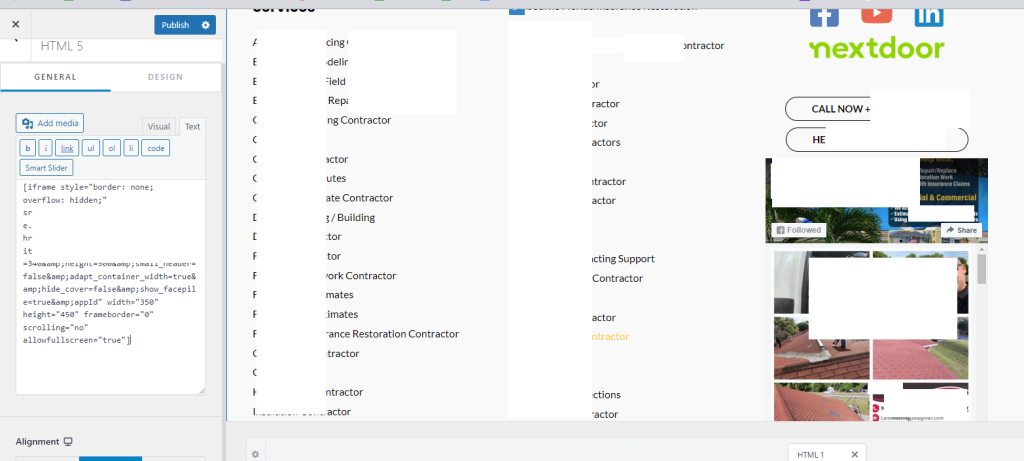
In other words: replace < with [, and remove the closing </iframe> tag entirely.
Hope this helps someone out there! Feel free to reach out if you need help with SEO, web design, video editing, WordPress bug fixes, 404 error cleanups, or anything similar.