Lightshot — My Go-To Screen Capture Tool
Lightshot has long been my favorite screenshot tool. I’ll never forget it — it’s been a constant on every device I’ve used, including my Windows 11 setup.
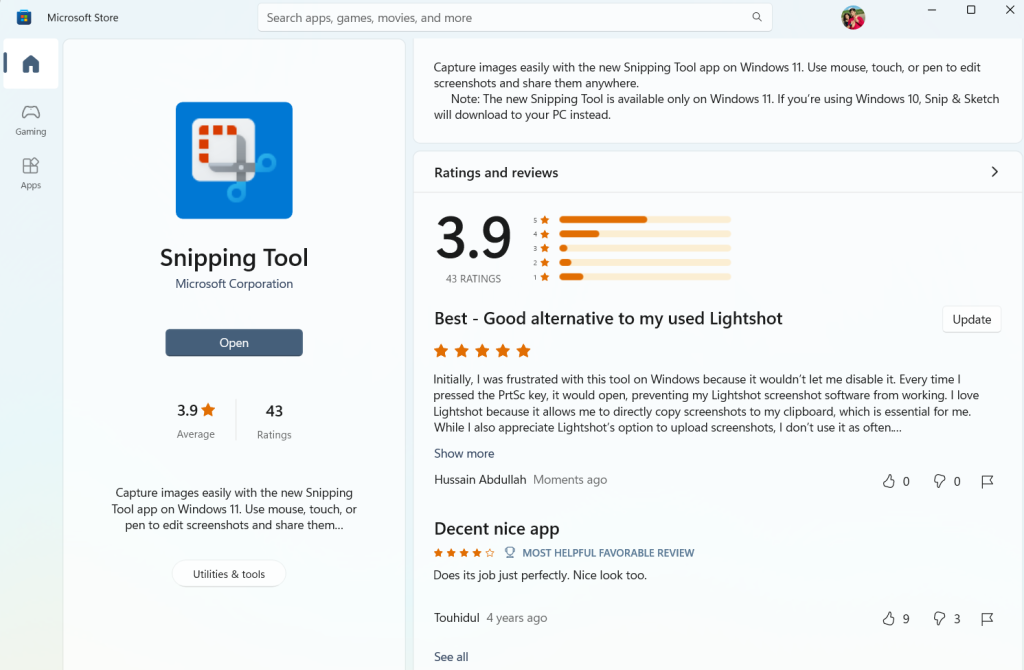
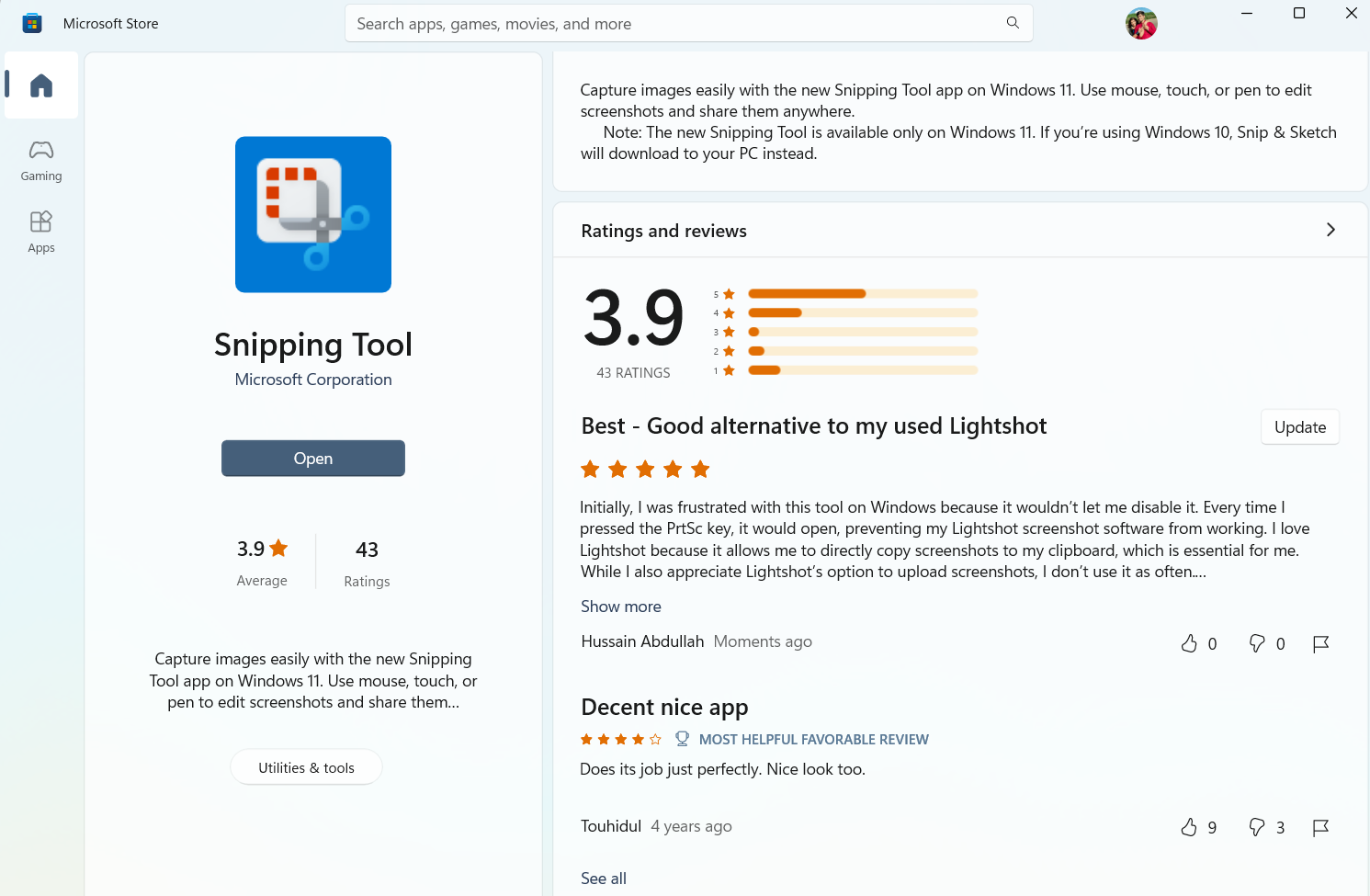
That said, I recently found a solid alternative that’s also super easy to use — the Snipping Tool by Microsoft, available right from the Windows Store.
Windows Snipping Tool
I’ll be honest — I was initially frustrated with this tool on Windows because there didn’t seem to be a way to disable it. Every time I pressed the PrtSc key, the Snipping Tool would pop up, blocking Lightshot from doing its thing. The reason I love Lightshot is because it copies screenshots directly to my clipboard — and that’s essential for how I work. I use it constantly when sending SEO service reports and website development updates to my clients. I also like Lightshot’s screenshot upload feature, though I use that less often.
I was genuinely annoyed with Windows for a while — even after disabling the Snipping Tool, the PrtSc key still wouldn’t trigger Lightshot.
So I was kind of forced to give Snipping Tool a real try. And after spending some time with it, I realized it’s actually easier than I thought. It’s turned out to be a really solid alternative to Lightshot. Screenshots get copied straight to the clipboard automatically — which is actually faster than Lightshot’s flow. The only thing I do miss is Lightshot’s built-in upload feature.
All in all, that’s been my experience — and I ended up genuinely liking the tool. Thanks for reading!